

Order types, the order book, the background services that keep it moving, and the monitoring that tells you when one stops.
The matching engine is judged on two things: whether it matches correctly, and whether you can tell when it is not.
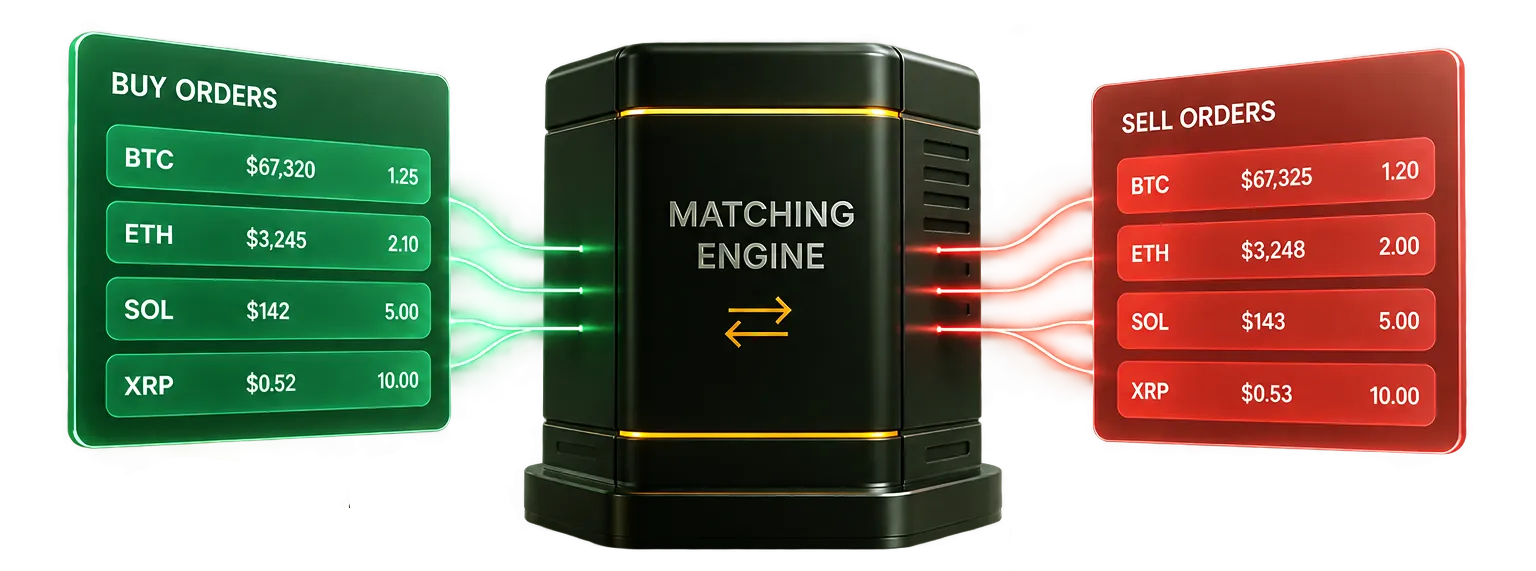
The second is the one that gets underestimated. An engine with no monitoring is a system you discover has stopped from your users.
Order handling
What a trader can place, and what the book shows them.
- Market, limit and stop-limit orders
- Real-time order book and recent-trades feed on every market
- TradingView charts with indicators
- Instant swap and convert, without an order book
- Take profit and stop loss set at entry
The services behind it
Matching is not one process. These run continuously and each is visible.
- Market price tracker
- Order-matching watcher
- Stop and take-profit processor
- Scheduled job worker
Knowing it is healthy
Every service can be started, stopped and inspected from the admin panel.
- Live start/stop control and health for every exchange service
- Queue system health and throughput
- Trade socket and WebSocket server status
- Index and mark price feeds tracked per market, with reconciliation
Questions you might have
Is the matching engine included?
Yes, in the Full Suite, with the source code.
Can we modify the matching logic?
Yes — that is what full source delivery is for. Heavy changes can also be scoped to us separately.
What happens if a background service stops?
The system monitor shows it and lets you restart it. That visibility is the point of the section above.
See this part of the stack running
A technical demo walks the architecture with someone who deploys it. Bring your engineer — the questions that matter here are theirs.